
Free Event Budget Template
Ask any student who has run a fest where things went wrong, and money comes up almost every time. Not the big stuff. The small stuff nobody wrote down. The generator that needed diesel. Forty extra chairs. The “just one more banner” that turned into six.
That’s the whole reason budgets exist. Not to impress your faculty advisor, but so that the night before the event you aren’t doing sums on your phone while a vendor waits at the gate.
An event budget template makes this far less painful, because most of the thinking is already done for you. In this post we’ll build a budget from zero, go through what people usually forget, and then see how the idea changes for a trade show or an online event. There’s a free spreadsheet further down if you’d rather just start filling cells.
What an event budget really is
Money in, money out. Everything else is detail.
What most beginners get wrong is treating it like paperwork you finish once and file away. It isn’t that. A sponsor pulls out. The caterer revises the rate because your headcount went up. A guest’s flight costs double because you booked late. A budget that doesn’t change along with all this is just a wish list, so open yours every few days.
Why Use an Event Budget Template Instead of a Blank Sheet?
You can absolutely start with a blank sheet. We wouldn’t. Blank sheets depend on your memory, and memory is bad at this. Everyone remembers the venue. Almost nobody remembers extension boards, printouts, volunteer water or a thank-you gift for the chief guest until the week of the event.
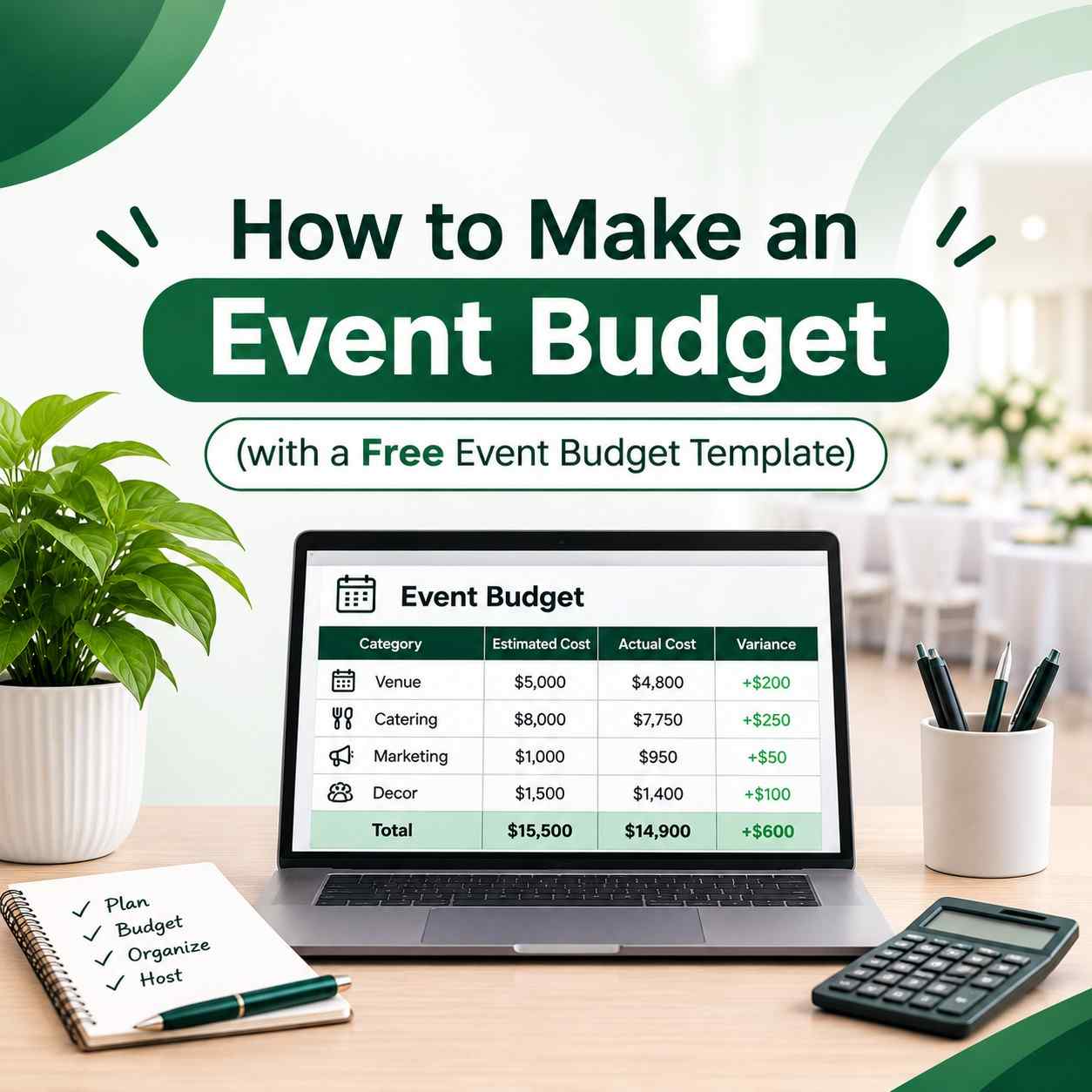
A ready-made event budget template has those rows waiting for you, so your job becomes deleting what doesn’t apply. That’s much easier than recalling what’s missing. The better ones also track estimated cost, actual cost and the difference between them, and add up the totals for you.
Building the budget, one step at a time
1. Decide what the event is for, and what you can spend
A fundraiser has to raise money. A product launch has to make a few important people say “wow”. A college fest has to give two thousand students a good day without leaving the student council in debt. Write the goal at the top of your sheet in one line, then put your spending limit next to it.
2. List the income before anything else
Income decides what you’re allowed to spend, so start there. Ticket or registration fees, sponsors, funding from your college, stall rentals, food or merchandise sales, donations.
Be strict about one thing. A sponsor who says “we’ll try” has given you nothing yet. Put that amount in a pending column and keep it out of your confirmed total. Plenty of fests have been planned around money that never arrived.
3. Sort your expenses into categories
Grouping shows you at a glance which area is eating your money. The full list is next.
4. Collect real quotes
This is the step people rush, and it’s where budgets break. A figure you guessed feels like a number, but it isn’t one. Call vendors, ask for written quotes and try to get three for anything big. Ask what’s included, too. Venues in particular tend to mention tables, power, cleaning and overtime only after you’ve agreed on the rent. If you can find last year’s budget, read it before you pick up the phone. It’s worth the effort.
5. Keep a buffer
Something will go wrong. It always does. Guides don’t agree on how big the buffer should be: Smartsheet’s suggests 5 to 10 percent, while ClickUp’s goes for 10 to 20. If it’s your first event, start at 10 and adjust once you see how your vendors behave.
6. Track three numbers on every line
Estimated is what you think you’ll pay. Committed is what you’ve agreed to pay, like a signed quote or an advance. Actual is what has really left your account. Beginners usually track only the first and last, then get surprised, because committed money doesn’t show in your bank balance yet. That middle column is the one that saves you.
Add a due date to each payment as well. Cash trouble is rarely about the total. It’s two big bills landing in the same week.
What most budgets leave out
Here’s the list we’d check any budget against. Skip whatever doesn’t apply to you.
- Venue, including setup time and exactly what the rent covers
- Food and drinks, and don’t forget volunteers and your own team
- Sound, lights, screens, streaming and the people who run them
- Stage, banners and signs
- Guests and performers, with their travel and stay
- Marketing, from online ads to printed posters
- Staff and volunteers
- Registration, software and badges
- Insurance and permissions
- Transport and parking
- Photography and video
- Contingency, which is the buffer from step five
A sample budget for a ₹2,00,000 fest
Numbers help, so here’s one example. One guide for corporate events puts food and drink at roughly 30 percent and venue at around 25 percent of the total. You’ll see the same pattern below: those two, plus tech, take the biggest bites.
| Category | Amount (₹) | Share |
| Food and beverage | 50,000 | 25% |
| Venue and permissions | 30,000 | 15% |
| Audio, video and tech | 30,000 | 15% |
| Guests and performers | 24,000 | 12% |
| Marketing | 20,000 | 10% |
| Décor and signage | 16,000 | 8% |
| Staff, printing and registration | 10,000 | 5% |
| Contingency | 20,000 | 10% |
| Total | 2,00,000 | 100% |
Don’t copy these percentages blindly. A fest with free entry and no big performers will look completely different. Use it to see how the pieces relate, then negotiate hardest on the biggest lines.
Download Our Free Template
To save you the setup work, we built a spreadsheet around everything above. It has an income tab, an expense tab with estimated, committed and actual columns, an automatic summary with a chart, and an add-ons tab for trade shows and virtual events.
[Download the free event budget template here]
Event Budget Template Excel vs Google Sheets
If you’re working alone or offline, an event budget template excel file is the safer pick. It handles long lists well, prints cleanly and can be mailed as an attachment.
If three or four people will edit the numbers, go for an event budget template google sheets version instead. Your treasurer logs payments, your marketing head adds ad spends, and nobody has to send around “final_v3_REAL.xlsx”.
Whichever you choose, a plain sheet that people really update beats a fancy one that nobody opens.
Using a Trade Show Budget Template
Trade shows work differently because you’re usually the exhibitor, not the host. The costs sit in other places, and they stack up fast.
A good trade show budget template covers the booth space fee, booth design and build, shipping, show services like power and internet, staff travel and stay, printed material, giveaways and the follow-up campaign afterwards. The booth fee is often just the beginning, so budget for the whole trip rather than the stall.
Add a return on investment column too, for leads collected and deals closed. A trade show budget template that only tracks spending can’t tell you whether the show was worth going to again.
Using a Virtual Event Budget Template
Online events feel cheaper, and often are, but people underestimate the costs.
A virtual event budget template should include the platform or webinar tool, streaming and recording, a professional host, speaker fees, graphic design, polls and chat moderation, and tech support during the live session. For a hybrid event, add cameras on site, a bandwidth upgrade and a production crew.
Technology is the core spend here, and many tools charge by attendee count, so a successful event can turn expensive overnight. Keep every receipt in one place as you go.
Common mistakes to avoid
Treating estimates as final numbers. Until a vendor puts a quote on paper, it’s only a guess.
Forgetting small costs. Cables, tape, extra printouts and tips add up faster than you’d expect.
Updating the sheet only before the event. At that point it’s a report, not a budget. Five minutes a week is plenty.
Skipping the review afterwards. Compare estimated and actual numbers line by line once the event is over. That comparison becomes the most useful part of your next budget.
None of this is hard to fix. It only needs someone to notice early, and that someone is usually you.
Final thoughts
A budget isn’t there to limit your ideas. It’s there so you can say yes to the things that matter, because you already know the money is available.
Pick whichever fits your event, whether that’s a shared event budget template google sheets file for a college fest, a trade show version or a virtual setup for a webinar series, and type in your first rough numbers today. They don’t have to be right. They just have to exist.
What’s the one cost that surprised you most at an event you organized? Tell us in the comments. Someone reading this is about to make the same mistake, and your story might save them.